Choose the Box Search option on the LSV Search Tools window to load available models within a set radius into a single layer. Left click the Box Query button to load the attributes in this layer into the current scene.
Load All Models within a Set Radius via a Box Search
Left click the
 tab on the Search Tools window.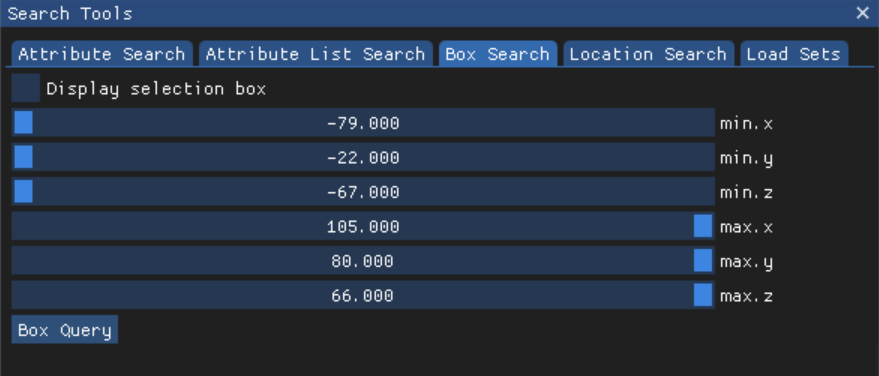
Use the minimum and maximum x, y, z axes sliders to set the bounds of your box search.
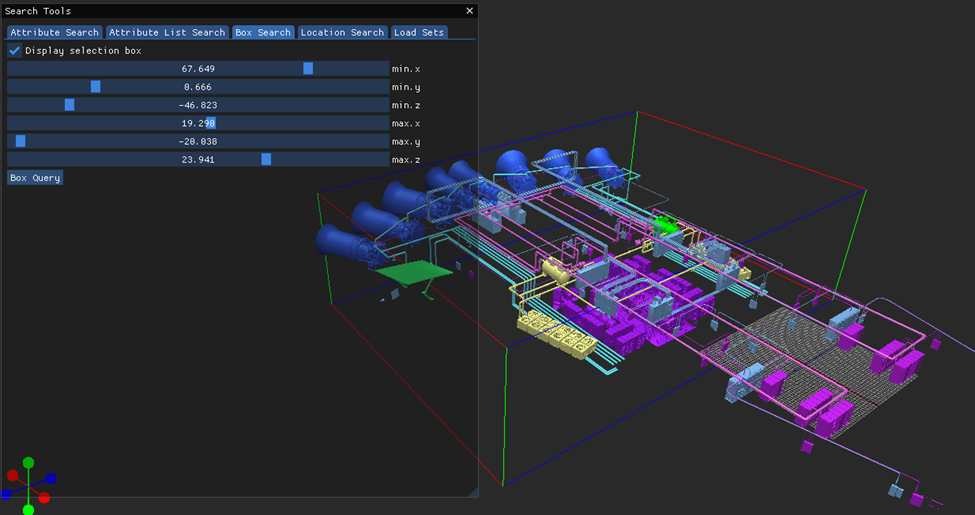
Left click the select box beside Display selection box select box to visualize colored X, Y, Z axes lines that represent your search radius in the loaded Scene.

Adjust the minimum and maximum x, y, z slider values, if needed
Left click the
 button on the Box Search tab to load a single layer containing all available models in the set bounds.
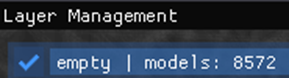
On the Layer Management window, the layer name for this box search currently defaults to empty (even when populated with models)
NOTE
In a future LSV update, this layer name will default to Box Search.
If desired, rename this layer in the editable selected layer textbox in the Layer Management window.
