In Beast Core 6, you can easily change your vantage point by adjusting your camera preference settings in the 3D Viewer Settings plugin.
Viewer Speed
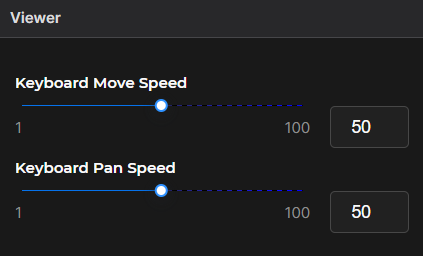
Use the slider(s) to adjust the speed at which the viewer moves around the workspace.
Or left click to place your cursor in the textbox to the right of the slider, backspace to erase the current value, and enter a desired viewer speed
Show / Hide the 3D Viewer Gizmo
The
 toggle is set to to the “on” position by default and displays a blue highlight
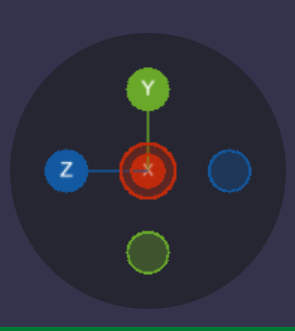
The Gizmo displays in the lower left corner of the 3D Viewer
Slide the
 toggle to the left to hide the Gizmo from view