The Question Bank tab houses all admin-created questions available for use in Quiz cards. Here, you can create new Question Pools and edit or delete existing pools.
Question Pools
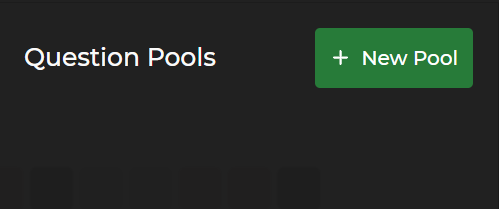
Previously created and named Question Pools (if any) display below the Question Pools heading
Click the
.png) button to add new content to this tab
button to add new content to this tab
To add a new Question Pool:
Select
 .
.The editable Question List section on the right side of the screen allows you to:
Edit the Question Pool title in the Untitled Pool textbox
Add new questions to the Question Pool
Edit existing questions in the list
Delete existing questions in the list
.gif)
To delete a Question Pool:
Left click the
 trash icon next to the Question Pool.
Be mindful that deleting a Question Pool also deletes all the associated questions within it
You will receive a confirmation window if you attempt to delete a Question Pool that contains questions
.gif)
NOTE
Please see the Create and Edit Quiz Questions article for more information.