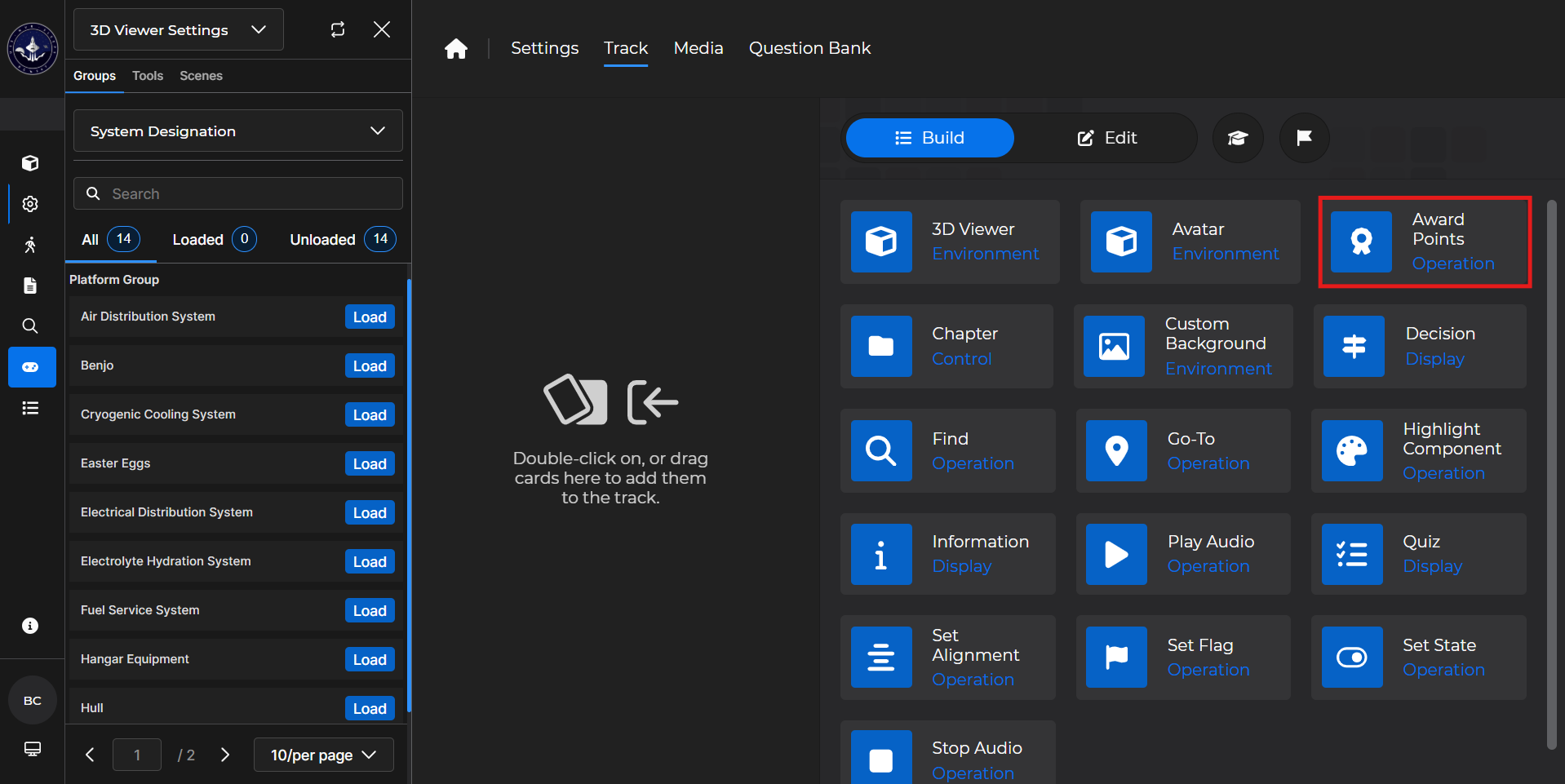
Use the Award Points card to award a chosen number of points for reaching the card in the lesson.
Building the Card
To add the card to the lesson track:
Left click and drag the card to the track
OR double click the card to add automatically
.gif)
To begin editing:
Left click the card on the track and then left click

OR double left click the card on the track to open editing automatically
.gif)
In the editing window, you can:
Enter the number of points the card awards by:
Manually typing the desired amount
Using the up and down arrow keys
.gif)
Award Points Card - Use Case
One popular use for an Award Points card is to grant a learner points after reaching the end of a chapter.
Example: After a learner reaches the last card of a chapter in a lesson, you want to grant them 25 points:
Adjust the number of points you’d like to award.
Select
 .
.Left click and drag the card to desired spot in the lesson track.
.gif)