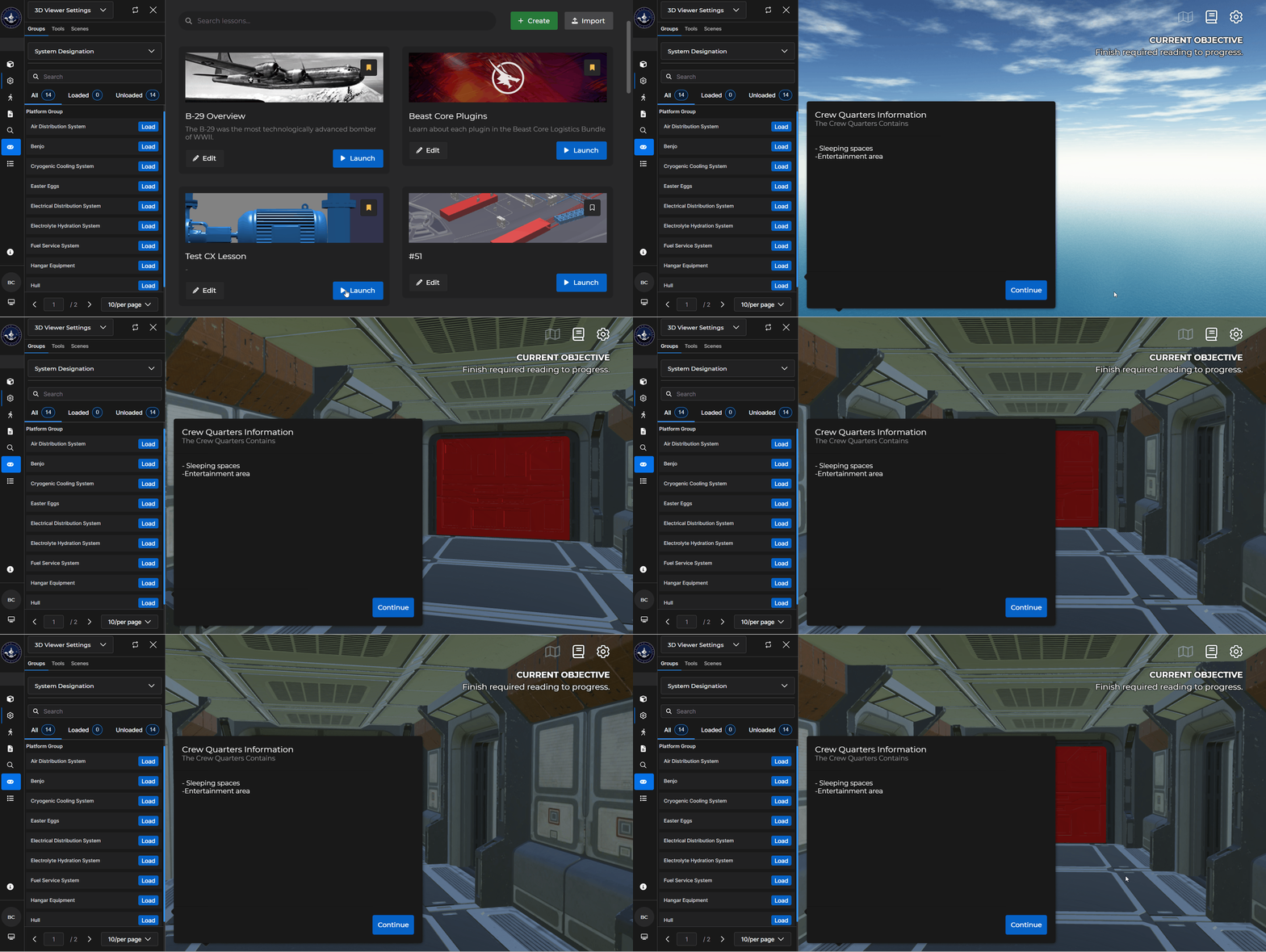
Use the Avatar card to change the active environment to Avatar and to select the space you desire to display.
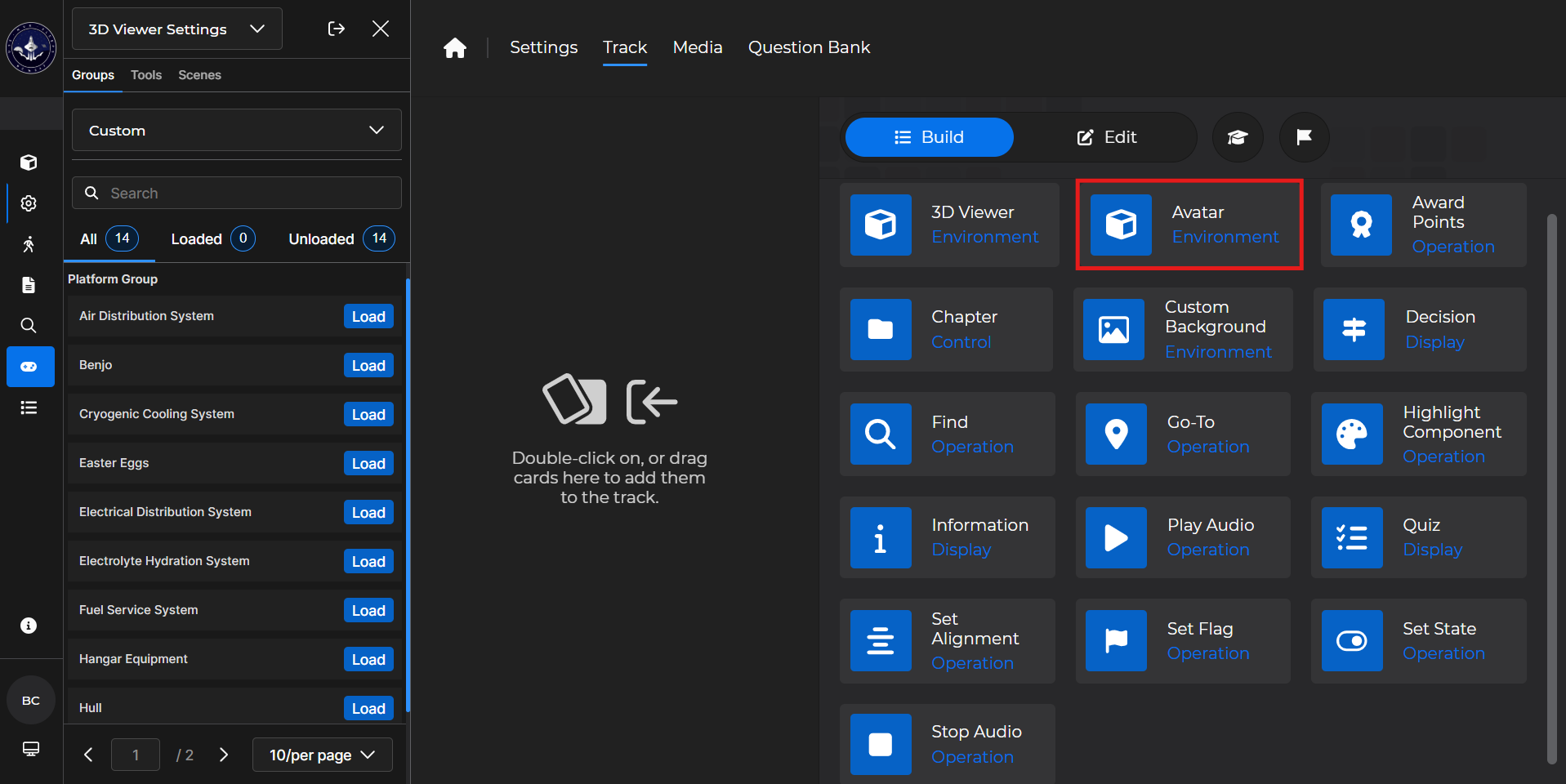
Building the Card
To add the card to the lesson track:
Left click and drag the card to the track
OR double click the card to add automatically
.gif)
To begin editing:
Left click the card on the track and then left click

OR double left click the card on the track to open editing automatically
.gif)
In the editing window, you can:
Toggle one space that you want the learner to visualize
.gif)
Avatar Card - Use Case
One popular use for an Avatar card is to take the learner somewhere specific in Avatar Viewer and have them learn more about it.
Example: You want a learner to know each aspect of the Crew Quarters:
Drag the Avatar card to the lesson track.
Toggle the Crew Quarters on.
Add an Information card to give the learner more details about the space.
This will deposit the learner directly into the Crew Quarters with accompanying information.