Use the Lessons Dashboard to launch, edit, create, or search lessons. You can also import existing lessons from Courseware.
Lessons Dashboard
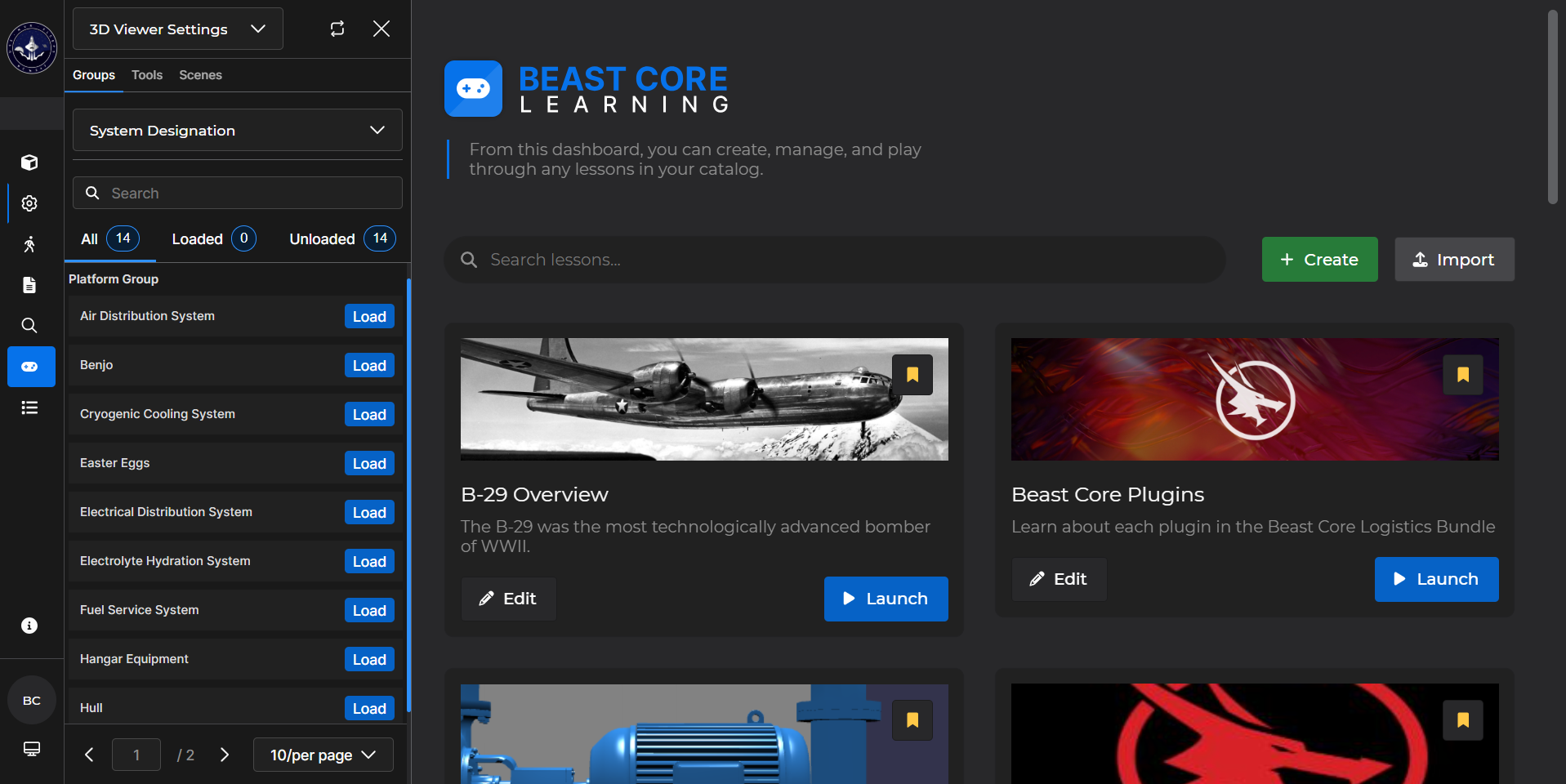
Search for an existing lesson.
(1).gif)
Create new lesson(s) and/or import course(s) from Courseware.
Left click the
 button to create a new lesson
Left click the
 button to import an existing course from Courseware
 a created lesson.
(1).gif)
 existing courses.
(1).gif)
Bookmark courses.
Left click the Bookmark Ribbon (
 ) to move a lesson to the top of the list
(1).gif)