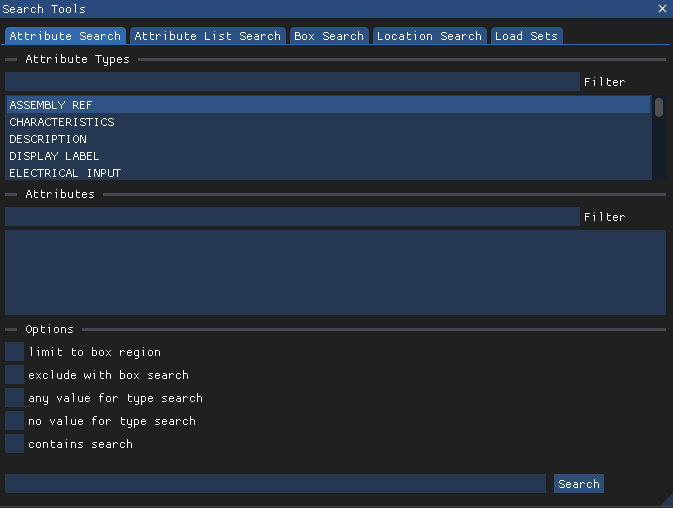
Choose the Attribute Search option on the LSV Search Tools window to select from (or filter) preset lists of modeled attribute types and values. Left click the Search button to load your selected attribute(s) into the current scene.
Search for Modeled Attributes and Load them into the Current Scene
The Search Tools window opens by default on the left side of the screen.
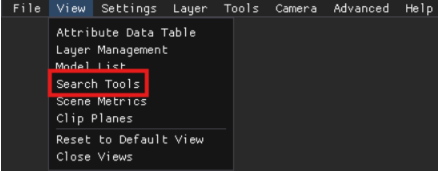
Or access on the View menu in the upper left corner of the screen.
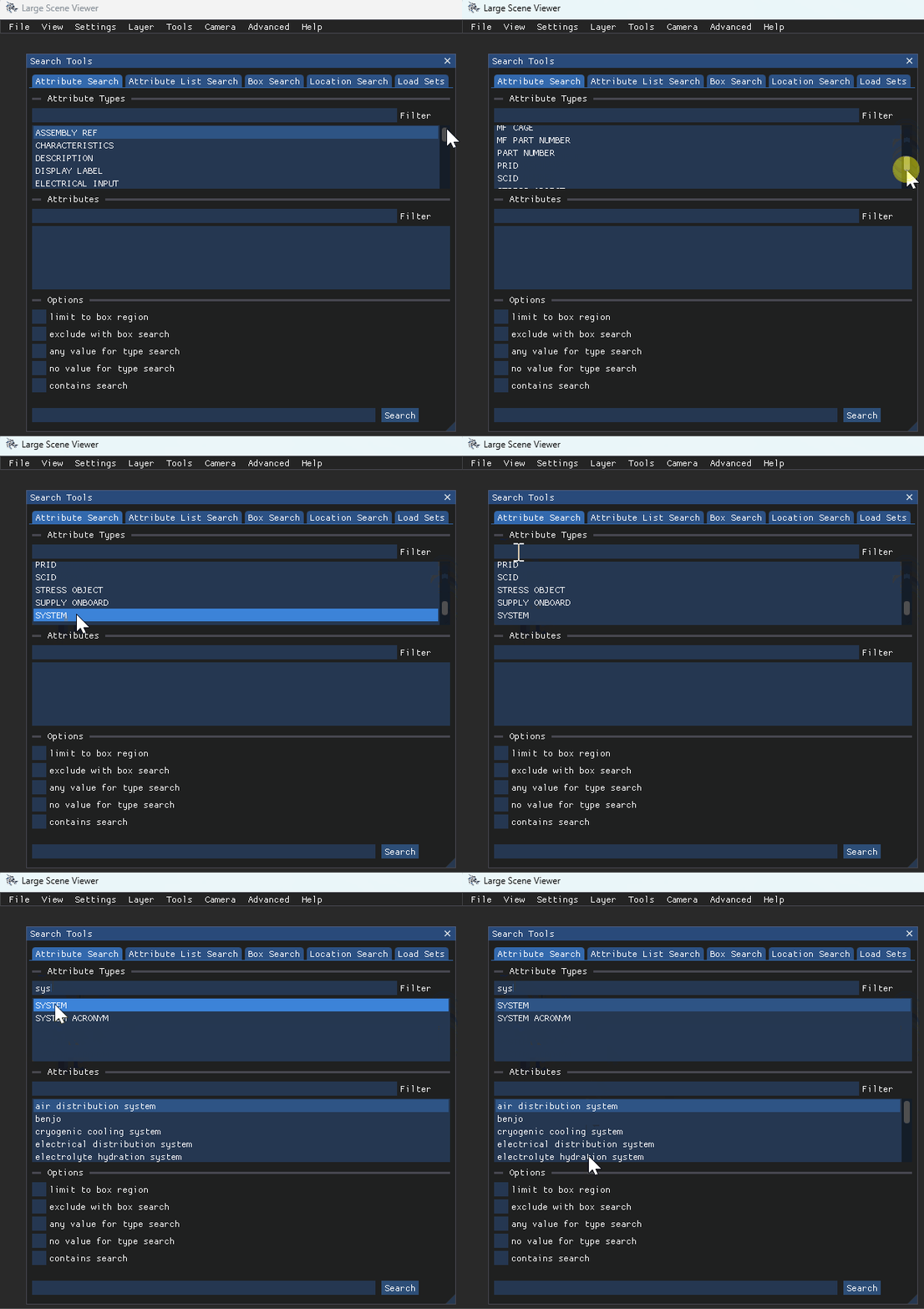
In the (default) Attribute Search tab’s upper Attribute Types section:
Left click to select a listed Attribute type
Use your mouse scroll or the vertical scroll bar to view hidden options, if needed
Or enter an actual or partial keyword into the Filter textbox, then left click to select an option in the filtered list
Available attribute names for the selected attribute type display in the (middle) Attributes section textbox
Left click to select a listed attribute name.
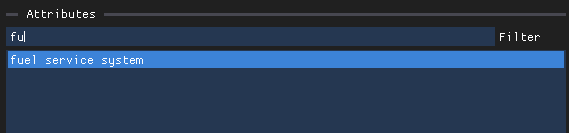
Or enter an actual or partial keyword into the Filter textbox, then left click to select an attribute name on the filtered list
After selecting your desired attribute name, left click the
 button to load all models associated with that attribute into the current Scene.
Repeat Steps 3 - 5 to load additional attribute(s).
View, customize, and manage loaded layers on the Layer Management window.
Refine Your Search
To refine a search initiated on any Search Tools tab, left click a desired select box in the Search Tools → Attributes Search tab → Options section, then left click the
 button.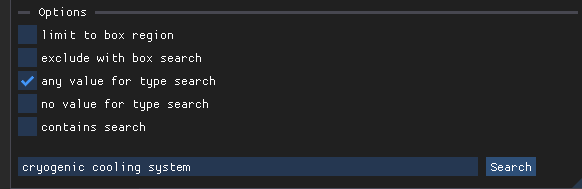
Limit to box region option - Searches the attribute values in the camera view only
Exclude with box search option - Searches all values in the selected attribute type except the selected attribute value
Any value for type search option - Allows you to load every returned attribute value for the selected attribute type
NOTE
Selecting this option then left clicking the
 button loads a single TYPE layer (named for the selected attribute type) that contains all attributes in that type category and displays all models in the same static color.
.gif)
No value for type search option - Omits a selected attribute value from the search
Especially useful when completing an Attribute List Search because it omits specific values from the search
Contains search option - Shows search results that match the entry in the Filter textbox
NOTE
Refer to the Add a Sublayer to a Loaded Layer (LSV) article to learn how to add layer(s) within a loaded layer via the Load Sets and Attribute Search tabs.