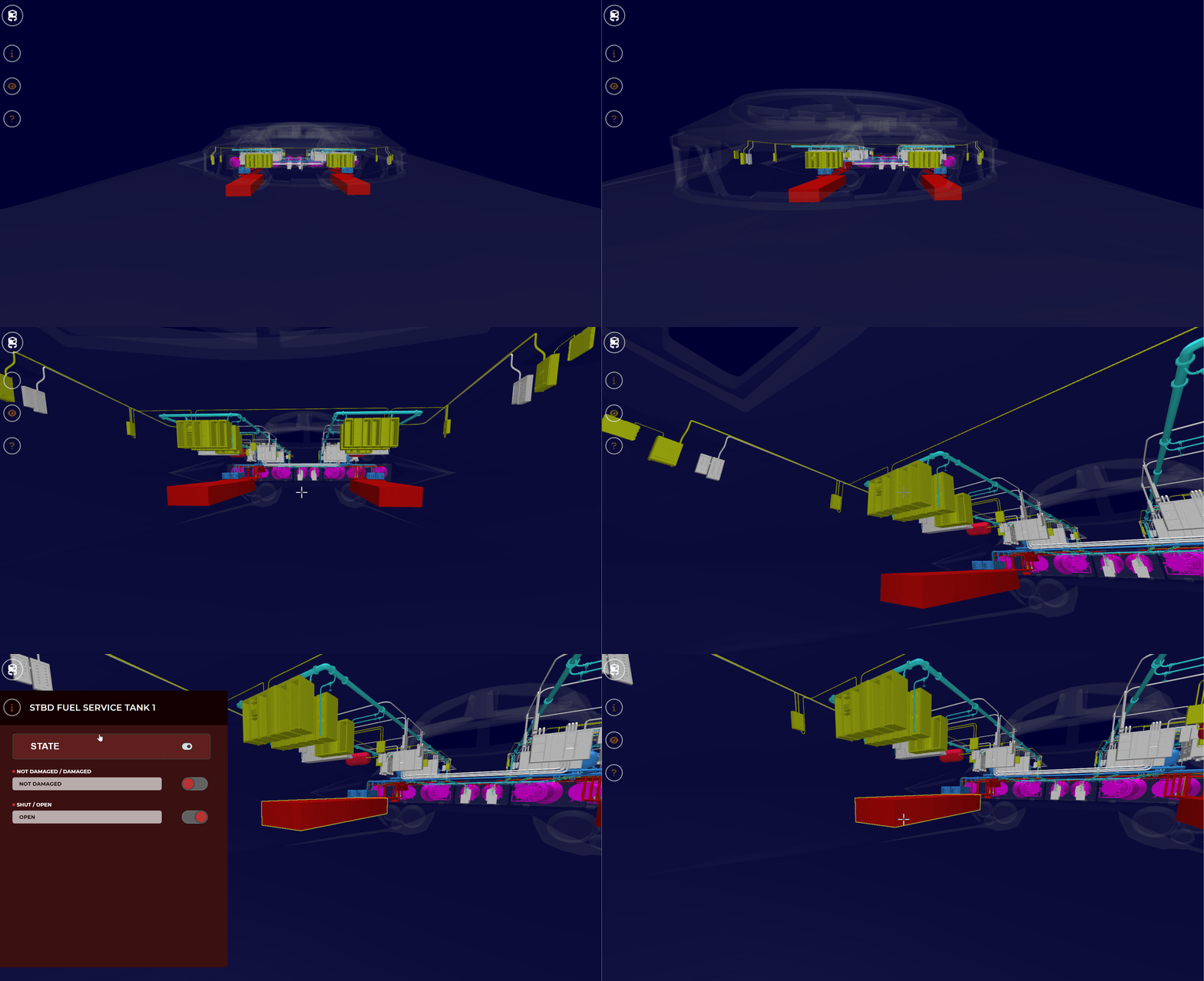
Navigation - System Viewer
- Updated on Nov 14, 2024
- Published on Mar 29, 2024
To open a visual guide to all of the controls used in 3D Viewer, select the ? icon.
This will open the Command Control Layout - an interactive visual of controls along with their definitions.
Controls
W - move forward
A - Strafe left
S - move backwards
D - strafe right
Shift - descend
Space - ascend
Mouse Movement - adjust camera angle
Mouse Left Click - select a Component/lock cursor
Mouse Right Click - select a component & unlocks cursor
ctrl + Mouse Scroll - adjust speed
esc - unlock cursor
Gives you an omnipotent bird's eye view of the workspace.
An interactive visual of controls along with their definitions.
Sidestep left or right using the A or D key, respectively.
A specific and defined piece of equipment or part within a system or a space.
Was this article helpful?
.gif "help(1).gif")