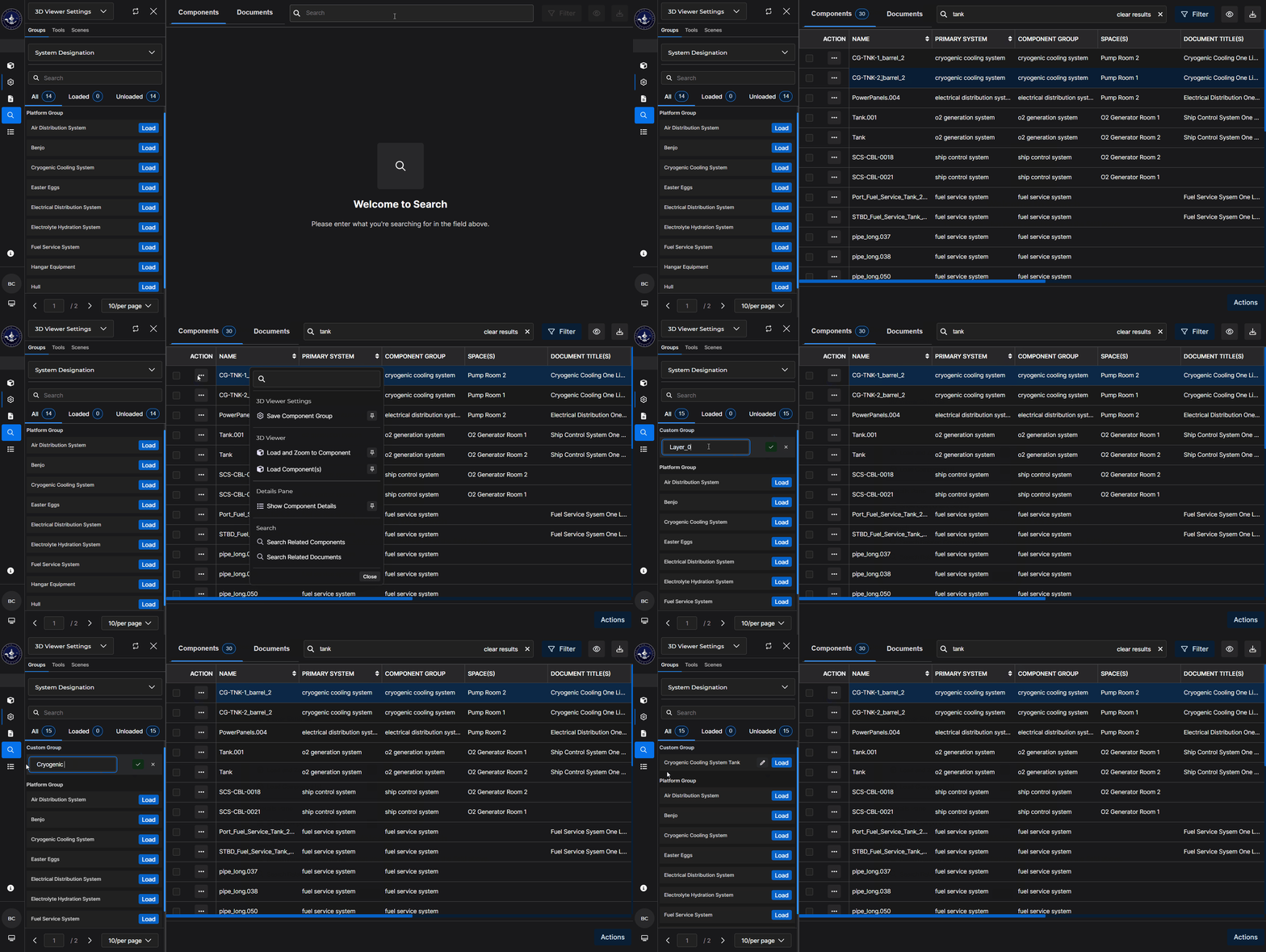
First, create a Custom Component Group (with a default name) in the Beast Core 6 Search plugin. Then, rename your new group via its editable textbox in the 3D Viewer Settings → Groups tab → Custom Groups section.
Create a Custom Component Group in the Search App
See the Create a Custom Component Group article for more information.
NOTE
The default naming format for all Custom Component Groups created via the Search plugin (or for a component you decide to Zoom to by selecting Zoom to Component on a pop-up Actions Menu) is: Layer_0, Layer_1, Layer_2, etc.
BEST PRACTICE: For easier name recognition, rename a new component group right away in its editable textbox on the 3D Viewer Settings → Groups tab.
Rename Your Custom Component Group
Access the 3D Viewer Settings plugin via the left-hand content pane’s drop-down menu
.png)
Or by selecting the far-left cogwheel
 icon
icon
Locate your default Custom Component Group name in the Unloaded → Custom Group section on the (default) Groups tab.
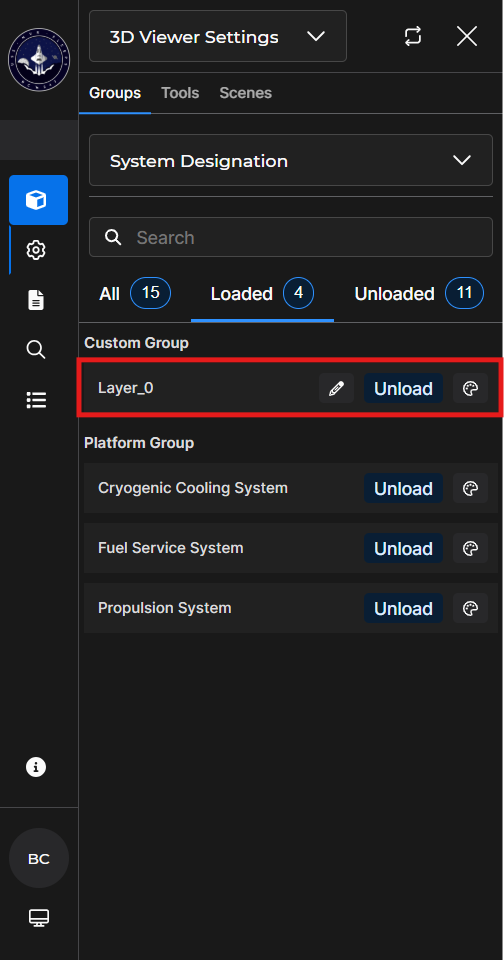
In the editable textbox, rename your Custom Component Group using a unique name that is easy to identify.