Use the Search feature in the Beast Core 6 Component Processor editing tool to retrieve stored component metadata (with Components tab selection) or relevant documentation (with Documents tab selection).
Components Tab → Search
Click the four-diamond icon
 on the far-left side of the screen to access the Component Processor.
Or select Component Processor in the left-hand navigation pane’s Admin section
Select the (default) Components tab on the Process Components screen to search for stored component metadata.
.png)

See the Components Tab Search article for additional information.
Documents Tab → Search
Select the Documents tab on the Process Components screen to search for uploaded component documentation.
.png)
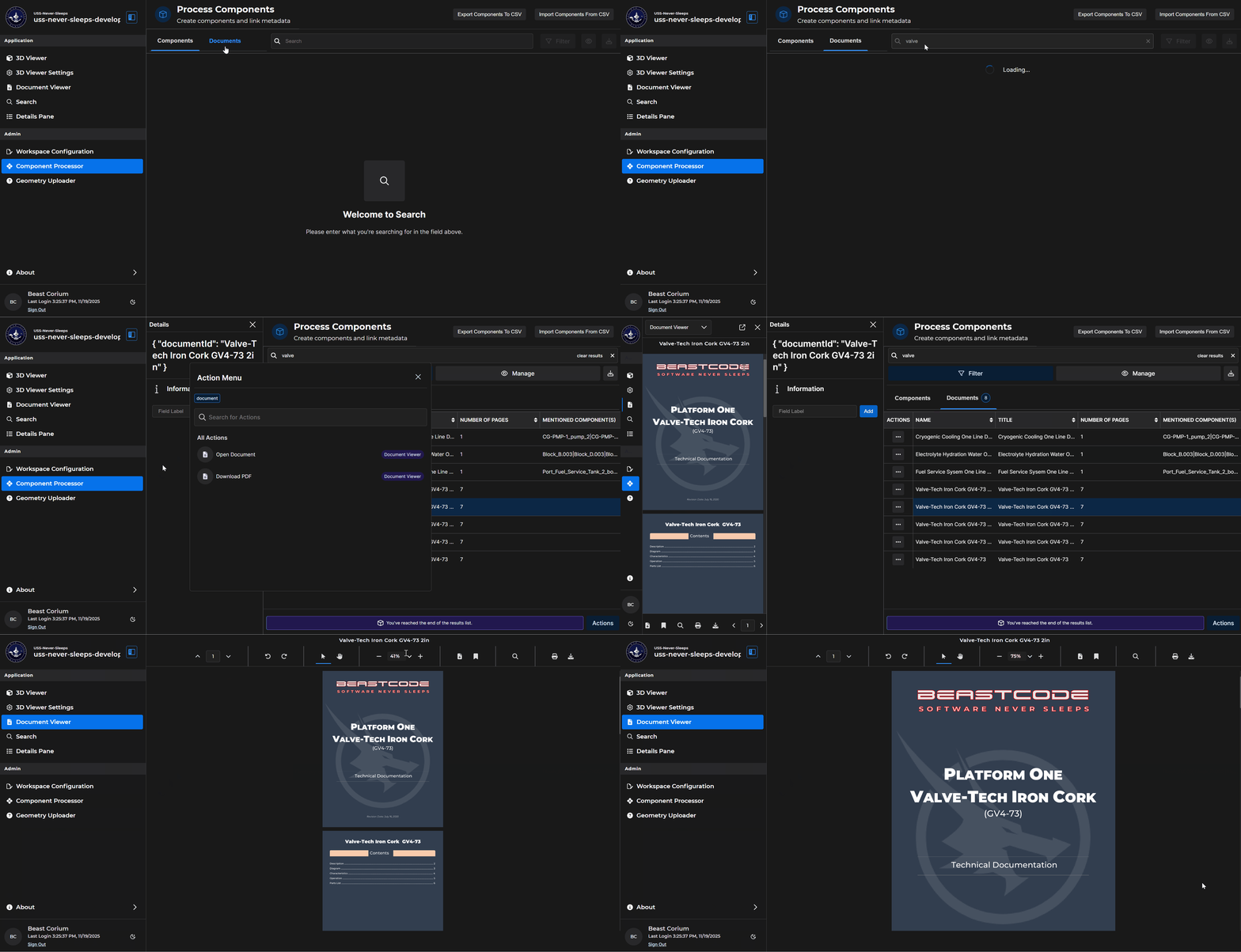
See the Documents Tab Search article for additional information.