Use Quiz cards to assess the learner’s knowledge with a quiz during the lesson.
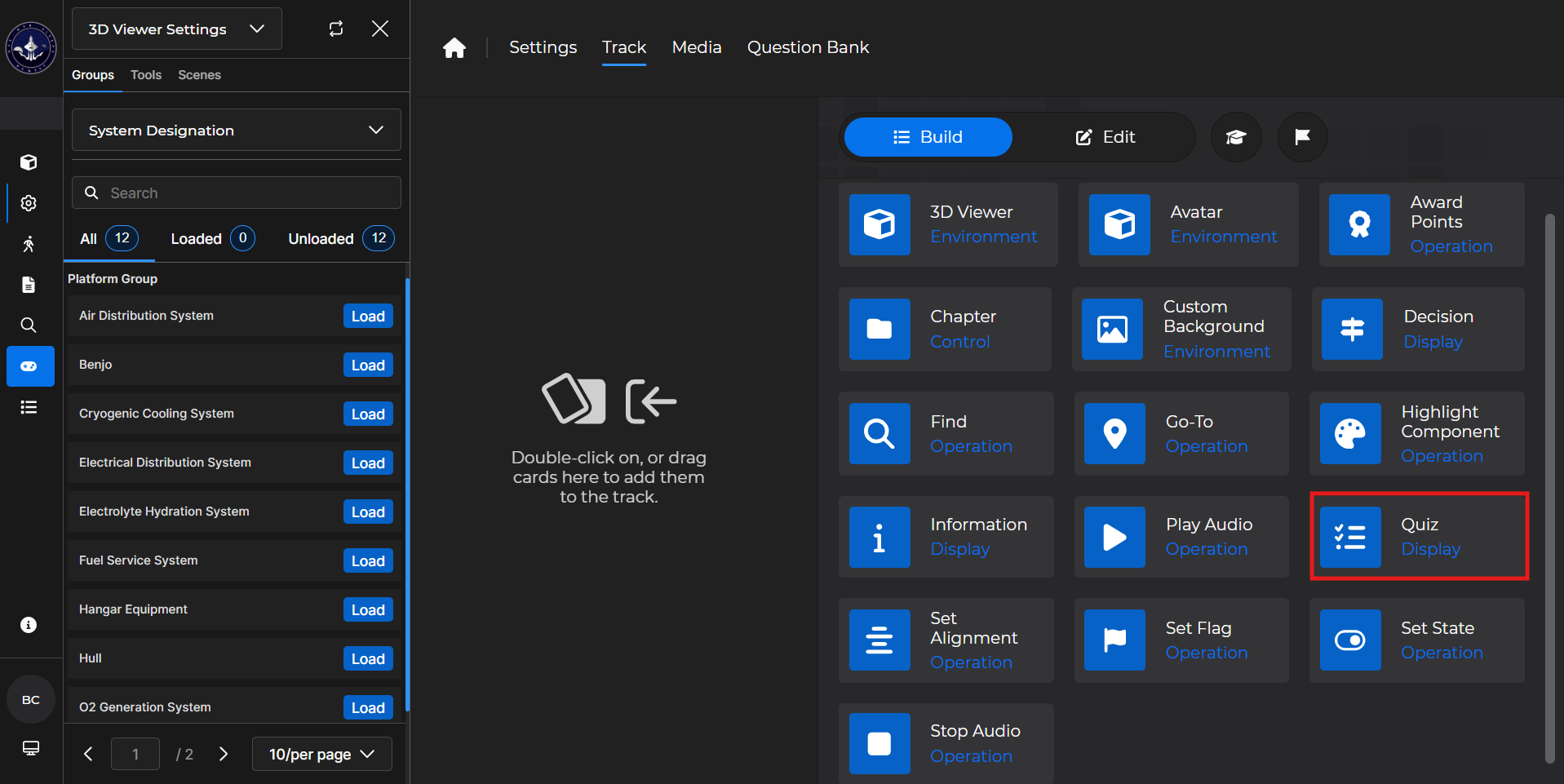
Building the Card
To add the card to the lesson track:
Left click and drag the card to the track
OR double click the card to add automatically
.gif)
To begin editing:
Left click the card on the track and then left click

OR double left click the card on the track to open editing automatically
.gif)
In the editing window, you can:
Title the quiz
Choose a Display Mode
Single page has all the quiz questions on one page
Multiple pages has one quiz question per page
Adjust points granted
Set up the Configuration of your quiz
Set a desired passing percentage (defaults to 70%)
Optionally shuffle questions from the Question Pool
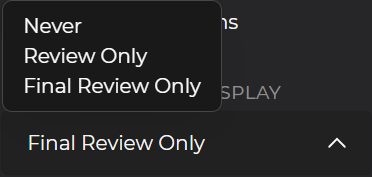
Decide when to show feedback
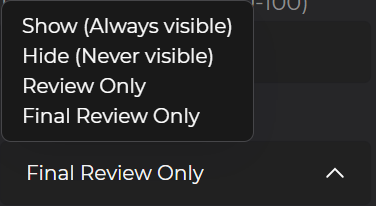
Decide when to show correct answer(s)
Give the learner a maximum number of retries
Give the learner a minimum number of retries
Choose which Question Pool to pull questions from
Select specific questions from the Pool
Choose the number of random draws
This option randomly adds the desired number of questions to the quiz
.gif)
Quiz Card - Use Case
One popular use of a Quiz card is to test a learner’s knowledge about a certain section of the lesson.
Example: Follow the steps below to set up a Quiz Card underneath the first section of a built out lesson:
Place the Quiz card underneath the first section of the lesson.
Make sure it is nested appropriately
Configure the card as desired.
Select
 .
.Optionally
 the card.
.gif)
NOTE
For more information, please see the following articles: